Builder Toolkit
Start here when you want to build with Nitrolite before reading every page. Use the tools to inspect and test flows, then try the live apps and inspect their source when you are ready to wire the SDK into an application.
Tools
Cerebro REPL
Install the interactive CLI REPL built on the Nitrolite Go SDK, connect to Nitronode, inspect network state, manage local wallet configuration, and run channel operations from your terminal. Cerebro is available for development workflows; commands and UX may change as Nitrolite v1 builder tooling stabilizes.
Nitrolite Playground
Manage channels and inspect active app sessions from one UI. Use production for live Nitronode flows or sandbox when you want a disposable test environment.
Yellow SDK MCP
Connect Yellow SDK knowledge to Claude Code, Codex, Cursor, Windsurf, VS Code Copilot, and other MCP-compatible tools. Ask your AI coding tool to find the right SDK call, explain a flow, create a starter app, or review a migration while you build.
Faucet App
Use the integrated faucet inside the sandbox playground to drip sandbox YUSD while the standalone Faucet App UI is being designed.
Live Examples
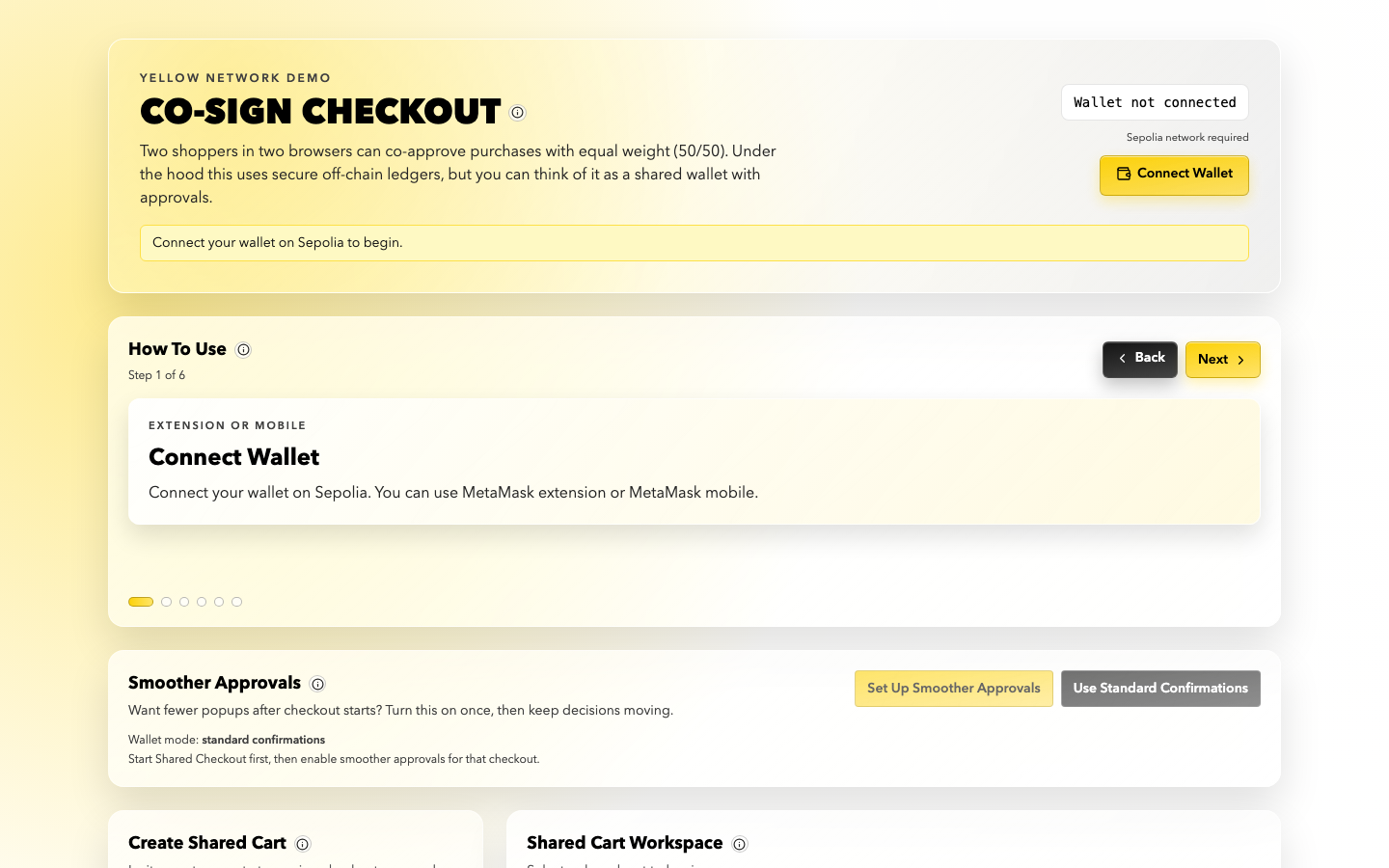
Co-Sign Checkout
Two participants create a shared cart, co-sign checkout actions, move funds into an app session, propose purchases, close the cart, and withdraw remaining shared-wallet funds.
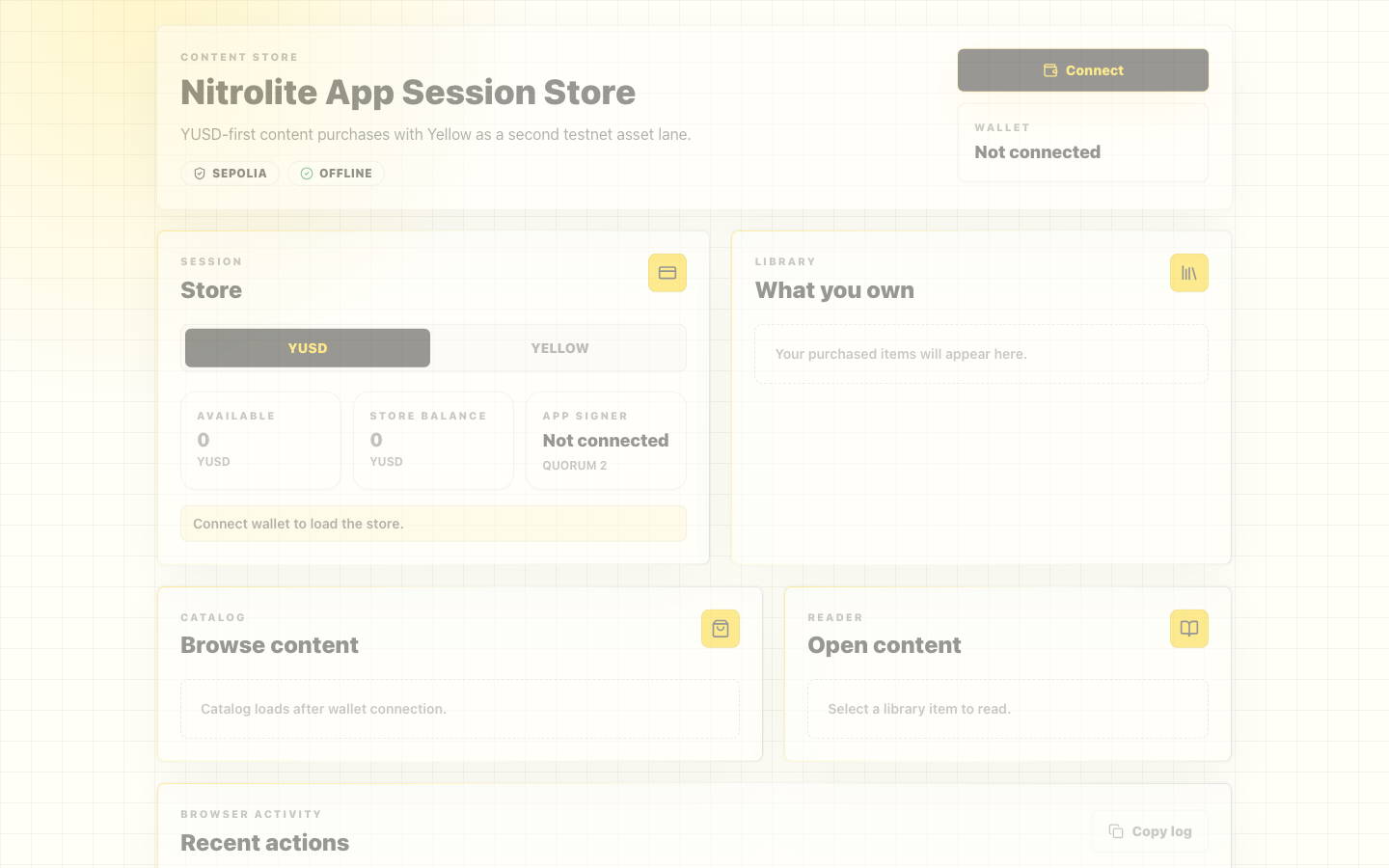
Nitrolite Store
A Go-backed reference app where a shopper connects MetaMask, opens a store app session, adds funds, buys catalog content, reads purchased content, and withdraws the remaining balance.
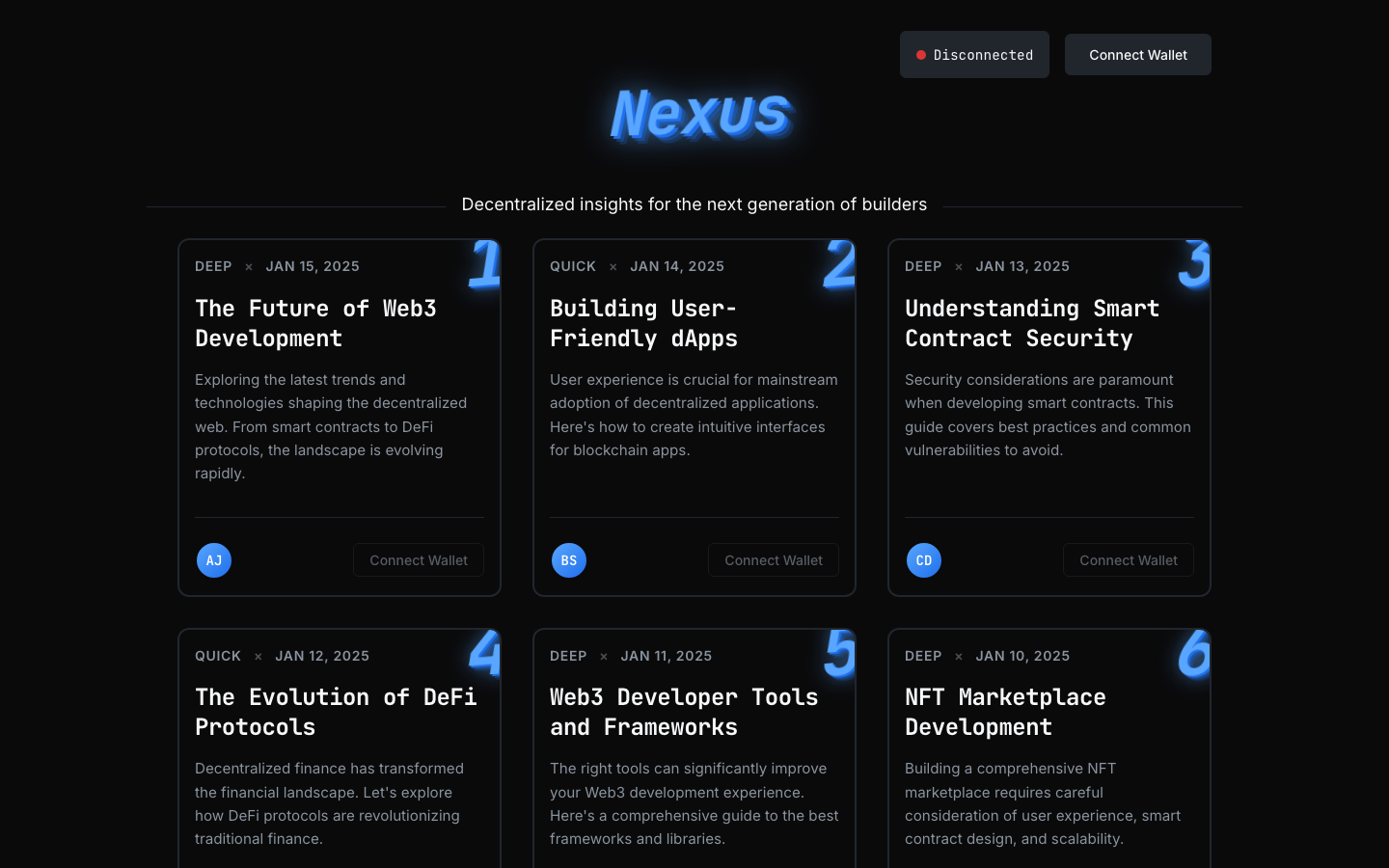
Nexus P2P Transfer
A workshop-style content app that demonstrates wallet connection, Nitrolite setup, balance polling, and instant peer-to-peer support payments to post authors.